Epson iProjection

Productivity
  • 4.1 RATINGS
  • 579M DOWNLOADS
  • 4+ AGE
Latest APK
Download

Wait a moment, your result is coming soon!

Face is not found. Please try again with another clear full-face portrait of a better quality.

Take Quiz Now
Screenshots
Epson iProjection
Epson iProjection
Epson iProjection
Epson iProjection
Epson iProjection
Epson iProjection
Epson iProjection
Epson iProjection
Epson iProjection
Epson iProjection

About this app

Name

Epson iProjection

category

Productivity

Price

0

Safety

100% Safe

Developer

Seiko Epson Corporation

Version

10

Epson iProjection

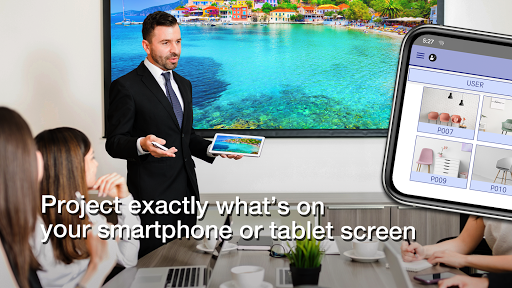
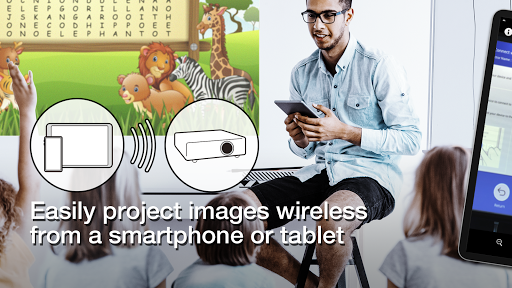
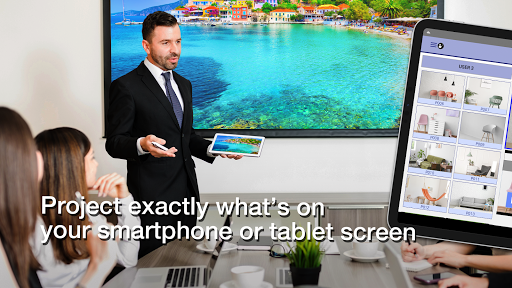
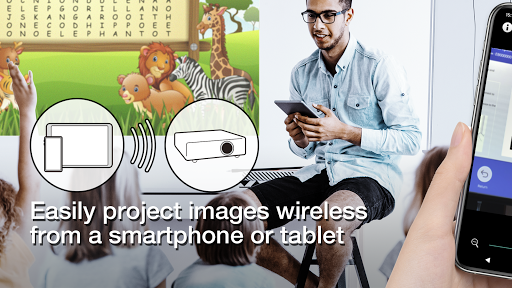
Epson iProjection is a versatile wireless projection app designed for Android devices and Chromebooks, enabling users to seamlessly mirror their screens and project PDF files and photos directly to supported Epson projectors. Perfect for presentations, meetings, or sharing media, the app offers an intuitive interface and efficient connectivity options.

📌 Core Features:

  • Screen Mirroring: Effortlessly mirror your device’s screen and output audio through the projector. 📱
  • Multi-file Projection: Project photos, PDF files, and even real-time video from your device's camera. 📷
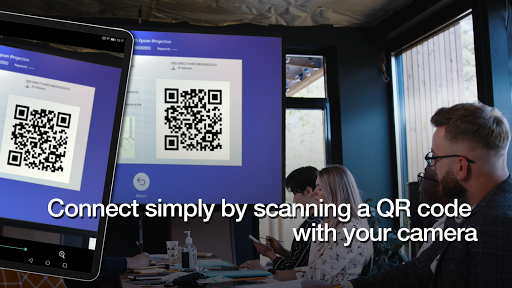
  • Quick Connectivity: Simplify the connection process by scanning a projected QR code, making setup quick and easy. 📡
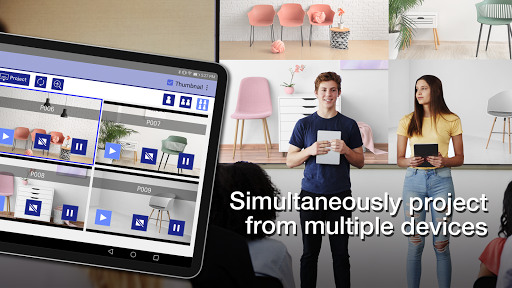
  • Multi-Device Connection: Connect up to 50 devices to the projector and display up to four screens simultaneously, allowing for collaborative sharing. 🌐
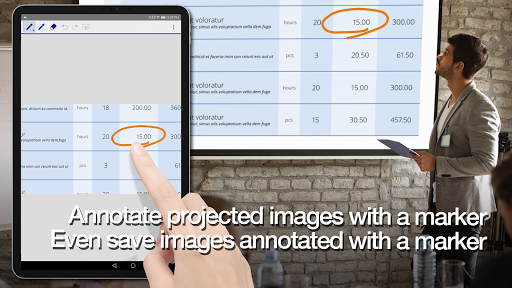
  • Annotation Tools: Use a pen tool to annotate projected images, and save your edited visuals directly to your device. ✏️

👍 Pros:

  • Smooth and intuitive app interface enhances user experience. 🌟
  • Supports a wide variety of file types including JPG, PNG, and PDF. 📄
  • Easy setup with QR code scanning simplifies the connection process. 🔗
  • Ability to annotate during presentations adds value for educational and professional use. 🎓
  • Control your projector like a remote for added convenience. 🎮

👎 Cons:

  • Some users may experience delays in video and audio when mirroring, depending on device and network conditions. ⏳
  • The QR code connection feature is not supported on Chromebooks. 🚫
  • Requires a Chrome extension for Chromebook mirroring, adding an extra step for users. 🔄
  • Not all projectors are compatible; users need to verify if their model is supported. ⚠️
  • Certain optional permissions are needed for specific features, which may concern privacy-focused users. 🔒

💵 Price:

The app is free to download and use, but some features may require optional permissions for full functionality.


Top Downloads

See all

1

TikTok

TikTok

Social

4.5
GET

2

WhatsApp Messenger

WhatsApp Messenger

Communication

4.4
GET

3

SHEIN-Shopping Online

SHEIN-Shopping Online

Shopping

4.5
GET
4
Instagram

Instagram

Social

4.7
GET
5
Telegram

Telegram

Communication

4.4
GET
6
Snapchat

Snapchat

Social

4.5
GET
7
Amazon Shopping

Amazon Shopping

Shopping

4.2
GET
8
Walmart: Shopping & Savings

Walmart: Shopping & Savings

Shopping

4.7
GET
9
Messenger

Messenger

Communication

4.1
GET
10
Facebook

Facebook

Social

4.6
GET
11
MONOPOLY GO!

MONOPOLY GO!

Board

4.6
GET
12
Sandbox In Space

Sandbox In Space

Simulation

4.4
GET