AppLock: Lock apps Fingerprint
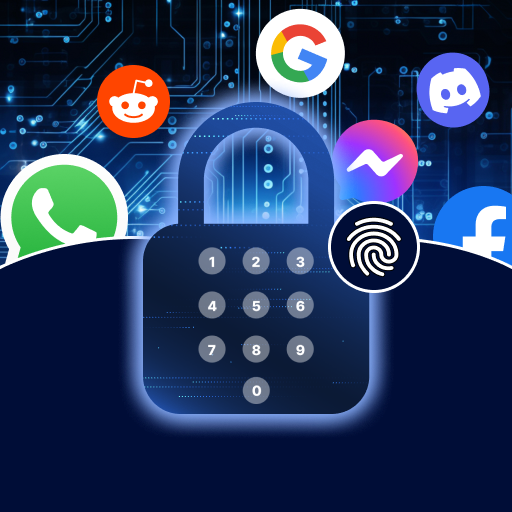
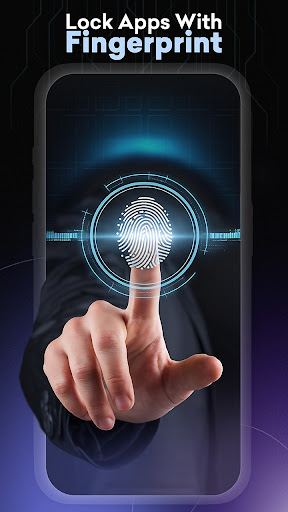
AppLock: Lock apps Fingerprint is a powerful app designed to safeguard your private data with just a click. This security solution allows you to protect your device with a pattern, password, or fingerprint, preventing unauthorized access and ensuring your privacy is firmly secured.
Core Features
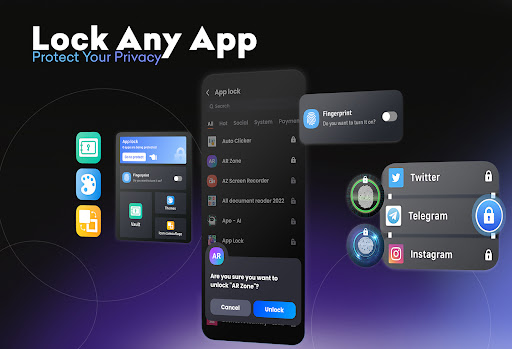
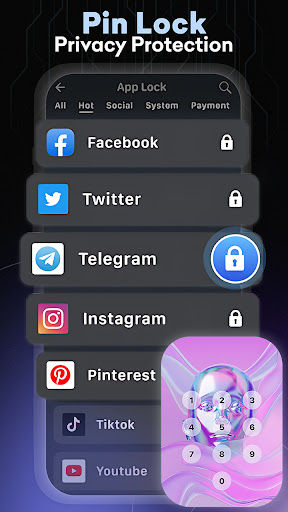
- 🔐 App Locking: Secure various social and system apps, including Facebook, WhatsApp, and SMS, to shield your conversations from prying eyes.
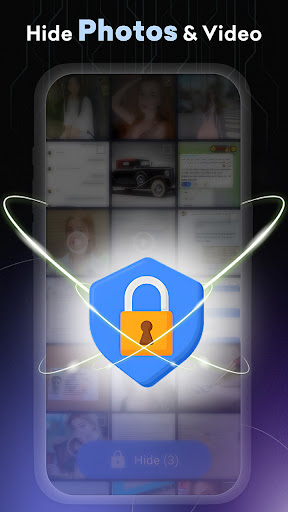
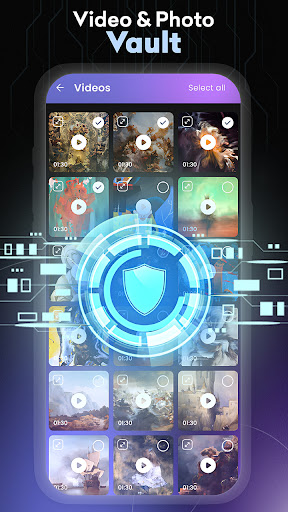
- 🛡️ Photo Vault: Keep sensitive images and videos hidden from others and safe in a dedicated vault.
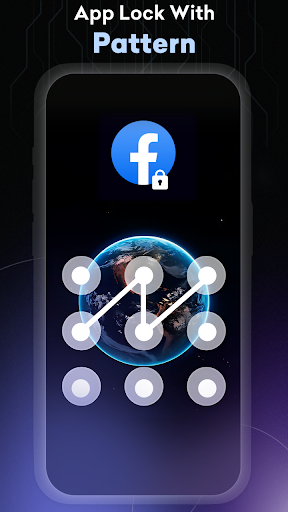
- 🛡️ Rich Themes for Lock Screen: Choose from beautiful patterns and PIN themes, with updates regularly added to the selection.
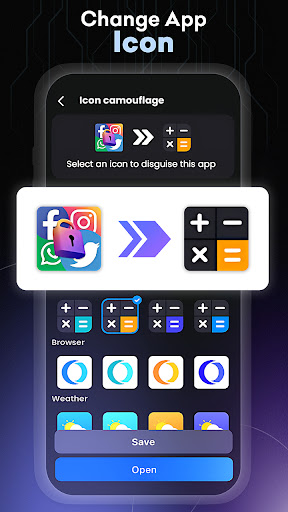
- 💼 Icon Camouflage: Disguise AppLock by changing its icon to make it less detectable by outsiders.
- ⏳ Custom Locking Options: Enjoy features like vibration alerts, a random keyboard, and automatic locking for new apps.
Pros
- 👍 User-Friendly Interface: Easy to navigate with intuitive controls for setting up security measures.
- 👍 Complete Privacy Control: Offers a robust system for hiding personal data and preventing unauthorized access.
- 👍 Customization Options: Multiple themes, wallpapers, and lock types (PIN, pattern, fingerprint) to personalize your app security.
- 👍 Optimized Performance: Designed to minimize battery and RAM usage, ensuring smooth operation on your device.
Cons
- 👎 Permissions Required: Requires various permissions that some users may find intrusive for advanced features.
- 👎 Learning Curve for New Users: Some users may take time to get accustomed to all features and settings available.
- 👎 Potential for Confusion: Icon camouflage may lead to users forgetting the disguised app if not properly managed.
- 👎 Limited Advanced Features in Free Version: Some premium options may require purchases for additional customization and functionality.
Price
💵 Pricing: AppLock is a free app with in-app purchases available for additional features.